Compare PDF

Compare PDF

Find every difference between two PDFs — word-by-word text changes or visual side-by-side, with an exportable report.

Word-by-word text diff
Visual page comparison
Smart page alignment
Exportable PDF report
PDF

مقارنة PDF باختصار

أهم ما تحتاج معرفته قبل المقارنة.

السعر
مجاني وبدون تسجيل. قارن ملفي PDF جنبًا إلى جنب ونزّل تقريرًا، بدون علامة مائية.
الصيغ
ملفا PDF: الأصلي والمعدّل. حتى 80 ميغابايت لكل ملف، من جهازك أو Google Drive أو Dropbox أو OneDrive؛ وتُقارن أول 300 صفحة.
النتيجة
كل اختلاف مُبرز. تغييرات النص كلمة بكلمة بالأحمر والأخضر، والاختلافات المرئية داخل مربعات، مع تقرير PDF.
الأوضاع
مقارنة نصية ومقارنة مرئية. يجد الوضع النصي تغييرات الصياغة، والمرئي اختلافات التنسيق والصور والمسح الضوئي.
يعمل على
أي متصفح، بدون تثبيت. الكمبيوتر بنظام Windows وMac وLinux والجوال.
الخصوصية
المقارنة داخل متصفحك. تتم المقارنة على جهازك، ولا تُقرأ على خادمنا إلا خصائص المستند ثم تُحذف النسخة فورًا.

How to compare two PDFs

1
Add the two PDFs you want to compare - the first is the Original, the second the Modified version. Upload from your device or pull them from Google Drive, Dropbox, or OneDrive. A Swap button flips them if the order is wrong.
2
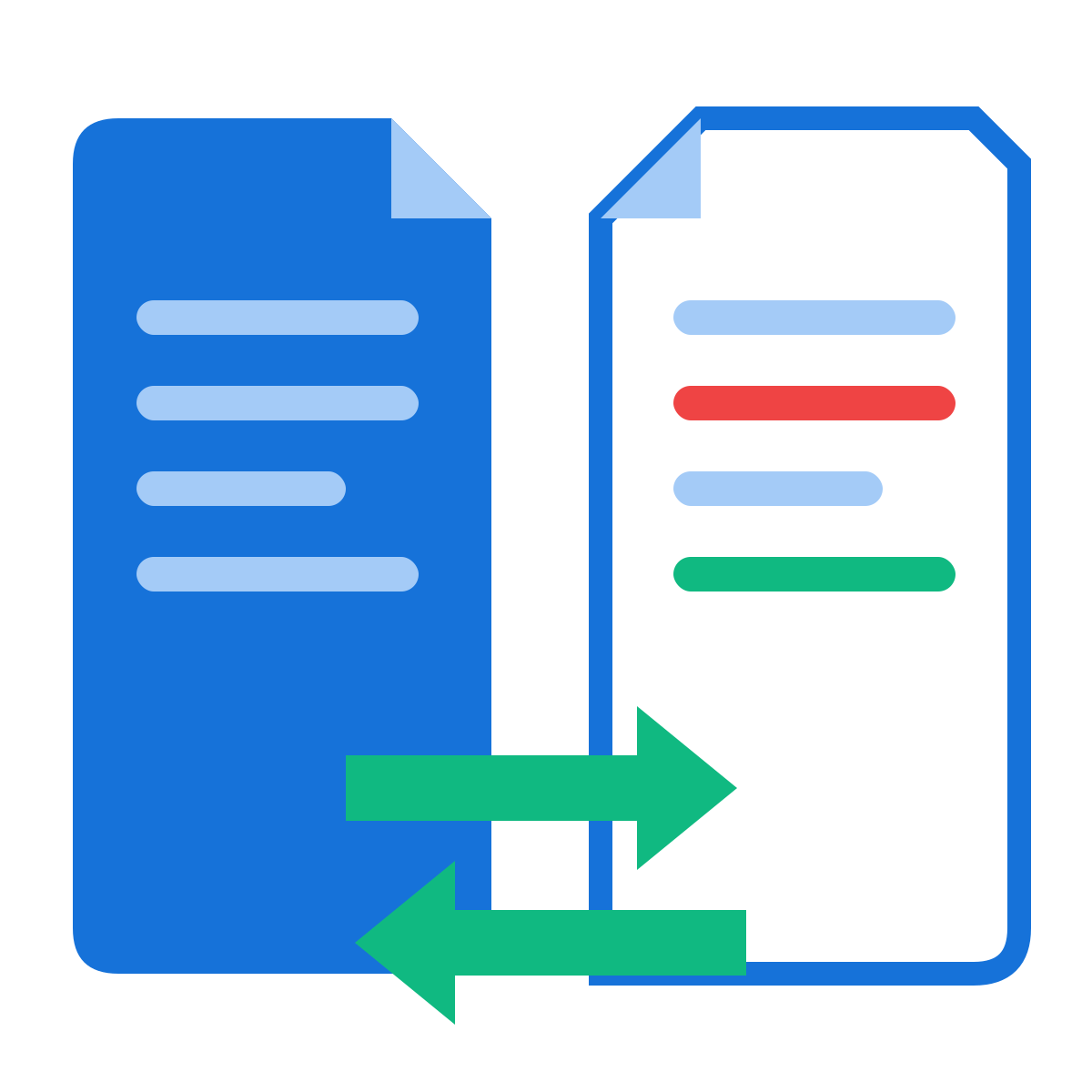
Pick a mode: Text compare finds word-by-word edits and shows both versions side by side with deletions in red and additions in green. Visual compare renders each page of both files and boxes every changed region in red - it catches images, stamps, layout shifts, and anything text extraction would miss.
3
Hit Compare PDFs. The summary tells you how many pages differ, and clickable page chips jump straight to each change. Added or removed pages are flagged too.
4
Optionally generate a PDF comparison report - a dated summary of every change (text snippets or highlighted page images) you can download, save to the cloud, share by link, or send into another tool.

Why use our Compare PDF tool

Two comparison modes
Text mode diffs the actual words; Visual mode diffs the rendered pixels. Use text for contracts and essays, visual for forms, scans, stamps, and layout changes.
Word-by-word precision
The text engine aligns both versions word by word, so a single edited number in a 50-page contract shows up as exactly that - not a wall of false differences.
Side-by-side view
Each changed page shows Original and Modified next to each other: deletions struck through in red, additions highlighted in green.
Visual difference highlighting
Visual mode overlays red boxes on every changed region and reports what percentage of the page differs - antialiasing noise is filtered out.
Added & removed pages
Pages that exist in only one document are flagged clearly, so you catch inserted or deleted pages, not just edited ones.
Jump to changes
The summary bar lists every changed page as a clickable chip - one click scrolls you straight to that difference.
Exportable PDF report
Generate a dated comparison report - text change snippets or highlighted page images - to file, share, or attach to a review.
100% in your browser
Both documents are compared locally - nothing is uploaded, which matters when you're comparing confidential drafts.
Big documents welcome
Files up to 80 MB each and up to 300 pages compared, with lazy rendering so even long documents stay smooth.
Free, no watermark
No signup, no watermark on the report, no per-day cap on comparisons.

Frequently asked questions

كيف أقارن بين ملفين PDF مجانًا؟

أضف ملف PDF الأصلي والمعدّل أعلاه وابدأ المقارنة. تظهر الكلمات المحذوفة بالأحمر والمضافة بالأخضر جنبًا إلى جنب، ويمكنك الانتقال من تغيير إلى آخر، مجانًا وبدون تسجيل.

ما الفرق بين المقارنة النصية والمرئية؟

تقرأ المقارنة النصية كلمات الملفين وتبيّن بدقة ما أُضيف أو حُذف أو تغيّر، أما المرئية فتعرض الصفحات كصور وتحيط كل منطقة مختلفة بمربع، وهي مفيدة للتنسيق والصور والأختام والصفحات الممسوحة.

ماذا لو أُضيفت صفحات أو حُذفت؟

تطابق الأداة الصفحات المتشابهة أولًا، فتظهر الصفحة المضافة أو المحذوفة كما هي، دون أن تبدو كل الصفحات التالية معدّلة.

هل يمكن تنزيل تقرير بالاختلافات؟

نعم. أنشئ تقرير PDF يتضمن ملخصًا والتغييرات، جاهزًا لإرساله إلى زميل أو عميل أو محامٍ.

كيف أقارن ملف PDF بملف Word؟

حوّل ملف Word أولًا عبر Word إلى PDF، ثم قارن الملفين هنا.

هل يمكن مقارنة ملفات ممسوحة ضوئيًا؟

استخدم المقارنة المرئية التي تكشف أي صفحة تبدو مختلفة، ممسوحة كانت أم لا. وللمقارنة كلمة بكلمة مرّر الملفات أولًا على التعرف الضوئي OCR.

هل تستخدم المقارنة الذكاء الاصطناعي؟

لا. تُكتشف الاختلافات بمقارنة دقيقة كلمة بكلمة وبكسل ببكسل، دون تخمين أو تلخيص.

هل يوجد حد للحجم أو الصفحات؟

حتى 80 ميغابايت لكل ملف، وتُقارن أول 300 صفحة. قسّم المستندات الطويلة جدًا عبر تقسيم PDF وقارن كل جزء.

هل مستنداتي في أمان؟

تتم المقارنة نفسها داخل متصفحك. ولقراءة خصائص المستند تُفحص الملفات لحظيًا على خادمنا عبر HTTPS ثم تُحذف فورًا، وفي وضع المتصفح تبقى حتى هذه الخطوة على جهازك.

Use our other tools