Compare PDF
Find every difference between two PDFs — word-by-word text changes or visual side-by-side, with an exportable report.
Word-by-word text diff
Visual page comparison
Smart page alignment
Exportable PDF report
PDF
PDF 对比一览
对比前需要了解的要点。
- 价格
- 免费,无需注册。 两个 PDF 并排对比并下载报告,无水印。
- 支持格式
- 两个 PDF:原版和修改版。 每个最大 80 MB,可从设备、Google Drive、Dropbox 或 OneDrive 添加;对比前 300 页。
- 输出
- 所有差异一目了然。 文字逐词对比,删除标红、新增标绿;视觉差异用方框标出;还可生成 PDF 报告。
- 模式
- 文字对比和视觉对比。 文字模式找措辞改动,视觉模式找排版、图片和扫描件的差异。
- 适用于
- 任意浏览器,免安装。 Windows、Mac、Linux、Chromebook、iPhone 和安卓手机。
- 隐私
- 在浏览器中对比。 对比在你的设备上完成;仅文档属性在服务器读取,副本随即删除。
How to compare two PDFs
1
Add the two PDFs you want to compare - the first is the Original, the second the Modified version. Upload from your device or pull them from Google Drive, Dropbox, or OneDrive. A Swap button flips them if the order is wrong.
2
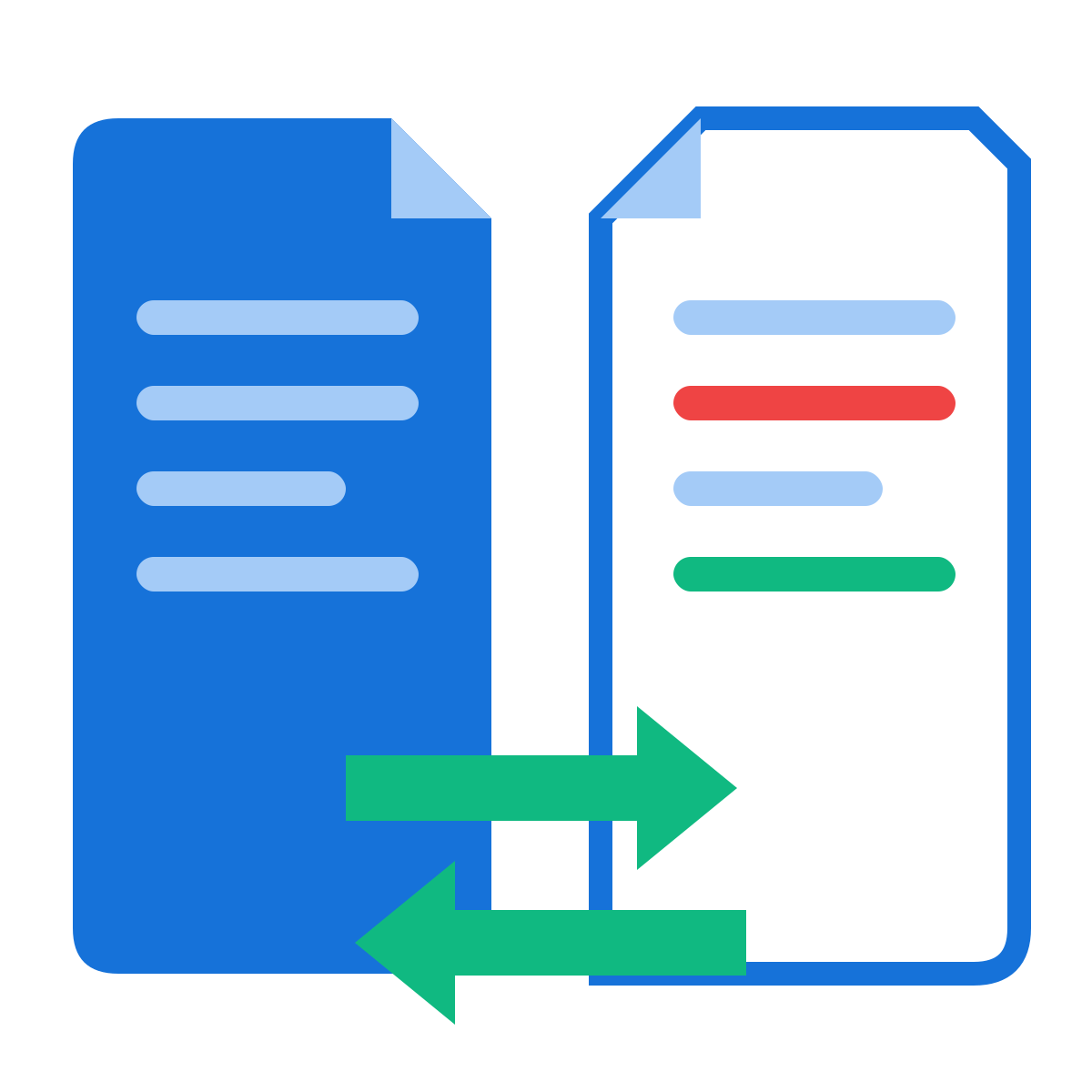
Pick a mode: Text compare finds word-by-word edits and shows both versions side by side with deletions in red and additions in green. Visual compare renders each page of both files and boxes every changed region in red - it catches images, stamps, layout shifts, and anything text extraction would miss.
3
Hit Compare PDFs. The summary tells you how many pages differ, and clickable page chips jump straight to each change. Added or removed pages are flagged too.
4
Optionally generate a PDF comparison report - a dated summary of every change (text snippets or highlighted page images) you can download, save to the cloud, share by link, or send into another tool.
Why use our Compare PDF tool
Two comparison modes
Text mode diffs the actual words; Visual mode diffs the rendered pixels. Use text for contracts and essays, visual for forms, scans, stamps, and layout changes.
Word-by-word precision
The text engine aligns both versions word by word, so a single edited number in a 50-page contract shows up as exactly that - not a wall of false differences.
Side-by-side view
Each changed page shows Original and Modified next to each other: deletions struck through in red, additions highlighted in green.
Visual difference highlighting
Visual mode overlays red boxes on every changed region and reports what percentage of the page differs - antialiasing noise is filtered out.
Added & removed pages
Pages that exist in only one document are flagged clearly, so you catch inserted or deleted pages, not just edited ones.
Jump to changes
The summary bar lists every changed page as a clickable chip - one click scrolls you straight to that difference.
Exportable PDF report
Generate a dated comparison report - text change snippets or highlighted page images - to file, share, or attach to a review.
100% in your browser
Both documents are compared locally - nothing is uploaded, which matters when you're comparing confidential drafts.
Big documents welcome
Files up to 80 MB each and up to 300 pages compared, with lazy rendering so even long documents stay smooth.
Free, no watermark
No signup, no watermark on the report, no per-day cap on comparisons.
Frequently asked questions
怎么免费对比两个 PDF 文件的不同之处?
在上方分别添加原版和修改版 PDF 并开始对比。删除的文字标红、新增的文字标绿,左右并排显示,还能逐处跳转查看改动。完全免费,无需注册。
文字对比和视觉对比有什么区别?
文字对比读取两个 PDF 中的文字,准确显示新增、删除和修改的内容;视觉对比把页面渲染成图片,并用方框标出外观不同的区域,适合检查排版、图片、印章和扫描件。
中间插入或删除了页面怎么办?
工具会先匹配相似的页面,插入或删除的页面会单独标出,不会导致后面所有页面都显示为“已修改”。
可以导出差异报告吗?
可以。生成包含摘要和改动内容的 PDF 报告,方便发给同事、客户或律师。
PDF 和 Word 怎么对比?
先用 Word 转 PDF 把 Word 文件转成 PDF,再在这里对比两个 PDF。
扫描件能对比吗?
可以使用视觉对比,它能找出外观不同的页面,无论是否为扫描件。若要逐字对比,请先用 OCR 识别 给扫描件加上文字层。
对比会用 AI 吗?
不会。差异通过逐词、逐像素的精确比对得出,不会猜测或概括。
有大小或页数限制吗?
每个 PDF 最大 80 MB,对比前 300 页。很长的文档可以先用 拆分 PDF 分段后再对比。
文件安全吗?
对比本身在你的浏览器中完成。为读取文档属性,文件会通过 HTTPS 在我们的服务器上短暂检查并立即删除;在 浏览器模式 下,这一步也在你自己的设备上完成。