Compare PDF
Find every difference between two PDFs — word-by-word text changes or visual side-by-side, with an exportable report.
Confrontare PDF in breve
L’essenziale prima del confronto.
- Prezzo
- Gratis, senza registrazione. Confronta due PDF affiancati e scarica un report, senza filigrana.
- Formati
- Due PDF, originale e revisione. Fino a 80 MB ciascuno, dal dispositivo, Google Drive, Dropbox o OneDrive; si confrontano le prime 300 pagine.
- Risultato
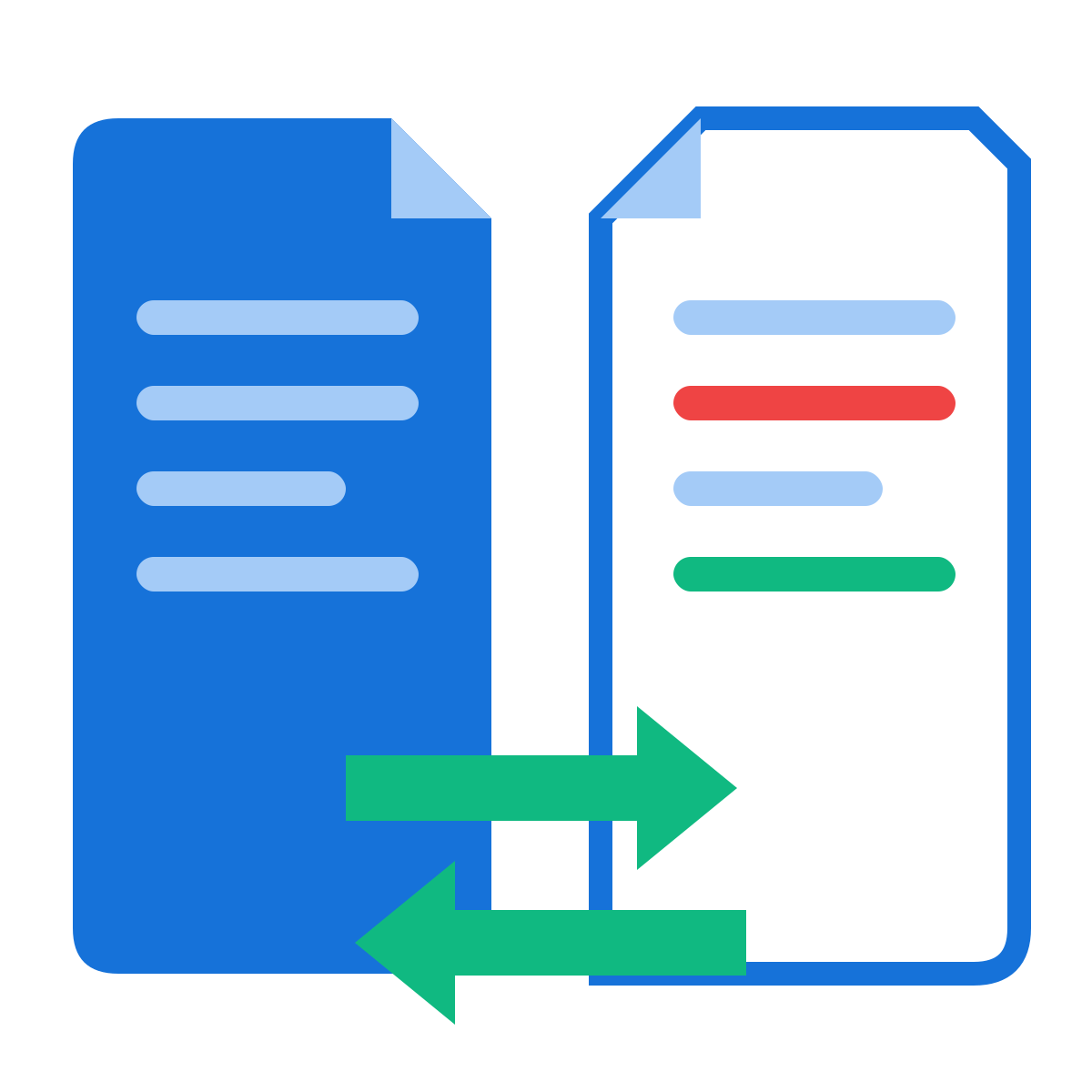
- Ogni differenza evidenziata. Modifiche al testo parola per parola in rosso e verde, differenze visive riquadrate e un report PDF.
- Modalità
- Confronto del testo e confronto visivo. Il testo trova le modifiche di contenuto; il visivo layout, immagini e scansioni.
- Funziona su
- Qualsiasi browser, niente da installare. Windows, Mac, Linux, Chromebook, iPhone e Android.
- Privacy
- Confronto nel tuo browser. Il confronto avviene sul dispositivo; solo le proprietà vengono lette sul nostro server e la copia è subito eliminata.
How to compare two PDFs
Why use our Compare PDF tool
Frequently asked questions
Come confrontare due PDF e trovare le differenze gratis?
Aggiungi qui sopra il PDF originale e quello rivisto e avvia il confronto. Le parole rimosse sono in rosso e quelle aggiunte in verde, affiancate, e passi da una modifica all’altra, gratis e senza registrazione.
Che differenza c’è tra confronto del testo e confronto visivo?
Il confronto del testo legge le parole dei due PDF e mostra esattamente cosa è stato aggiunto, tolto o cambiato. Quello visivo mostra le pagine come immagini e riquadra ogni zona diversa, utile per layout, immagini, timbri e scansioni.
E se sono state aggiunte o tolte pagine?
Lo strumento allinea prima le pagine corrispondenti: una pagina inserita o eliminata viene mostrata come tale, senza far sembrare cambiate tutte le pagine successive.
Posso scaricare un report delle differenze?
Sì. Genera un report PDF con riepilogo e modifiche, pronto da inviare a un collega, un cliente o un avvocato.
Come confrontare un PDF con un Word?
Converti prima il file Word con Word in PDF, poi confronta qui i due PDF.
Posso confrontare PDF scansionati?
Usa il confronto visivo, che rileva ogni pagina diversa a vista, scansionata o no. Per un confronto parola per parola, passa prima le scansioni in OCR PDF.
Il confronto usa l’IA?
No. Le differenze vengono trovate con un confronto esatto parola per parola e pixel per pixel: niente viene indovinato o riassunto.
Ci sono limiti di dimensione o pagine?
Ogni PDF può arrivare a 80 MB e si confrontano le prime 300 pagine. Dividi i documenti molto lunghi con Dividere PDF e confronta per parti.
I miei documenti restano riservati?
Il confronto vero e proprio avviene nel tuo browser. Per leggere le proprietà del documento, i file vengono controllati brevemente sul nostro server in HTTPS ed eliminati subito; in Modalità Browser anche questo passaggio resta sul tuo dispositivo.