Bates Numbering
Stamp sequential Bates numbers on your PDFs — prefix, suffix, zero-padding and position, numbered continuously across files.
Prefix, suffix & zero-padding
Continuous across files
Live position preview
Fast & free
Tap to add PDF
How to add Bates numbers to a PDF
1
Upload your PDF or PDFs from your device, or pull them from Google Drive, Dropbox, or OneDrive. Everything runs inside your browser - files are never uploaded to a server.
2
Set up your numbering format in the options panel: a prefix (like ACME-), a suffix (like -CONF), the starting number, and how many digits to zero-pad to (000001). Pick the position, font size, and color.
3
The page thumbnails preview the exact stamp on every page. With multiple files, numbering continues across them in order (file 1 ends at 000045, file 2 starts at 000046) - or restarts per file if you prefer. You can also skip each document's first page.
4
Click Add Bates Numbers. Each page is stamped with its unique sequential identifier. Download the numbered file (or ZIP for a batch), save it to the cloud, or send it into another tool.
Why use our Bates Numbering tool
True legal Bates numbering
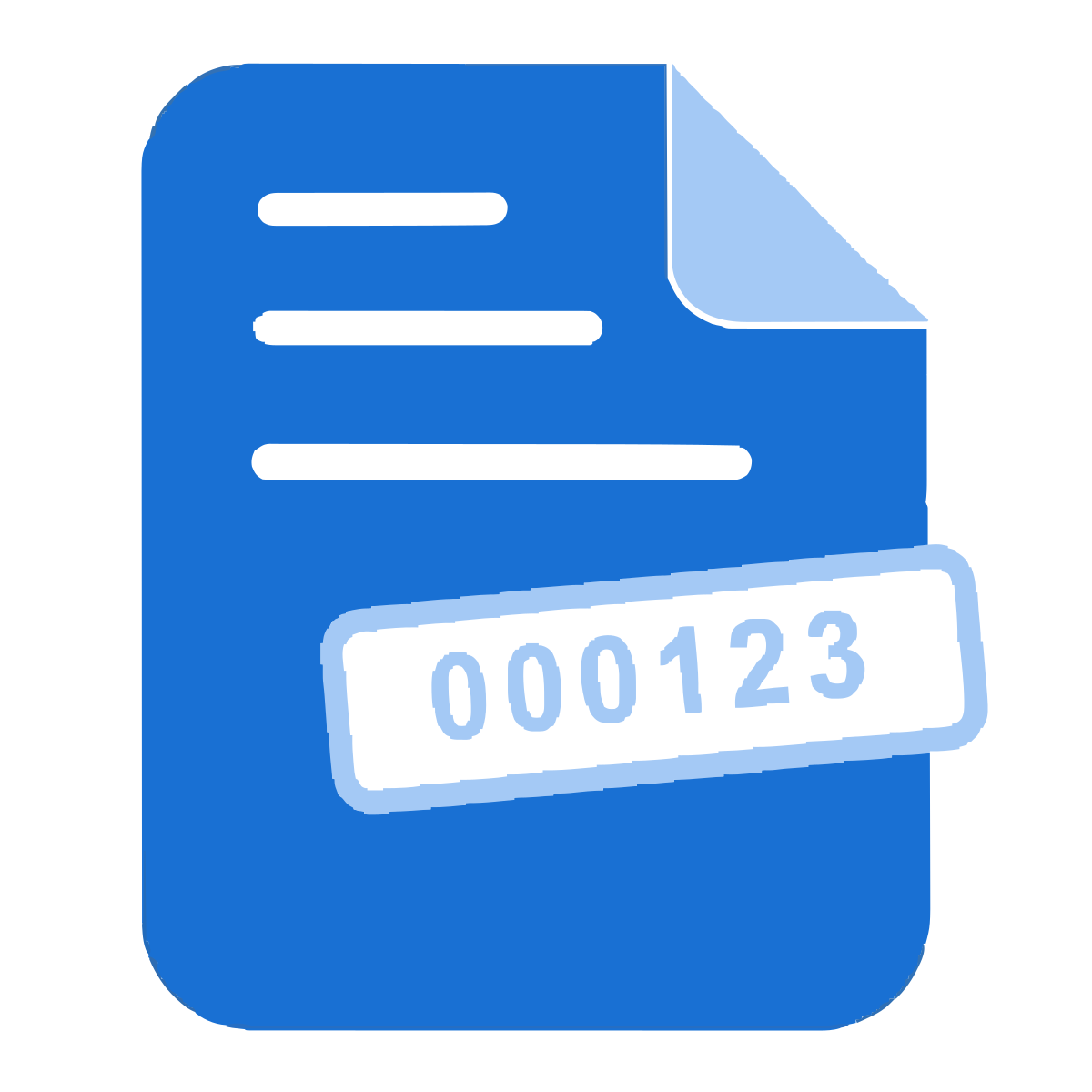
Fixed-width zero-padded sequential identifiers (000001, 000002 ...) with custom prefix and suffix - the standard used in legal discovery, medical records, and accounting.
Continuous across files
Number a whole production set in one go: with a free account, up to 3 PDFs are stamped in sequence, so file 2 picks up exactly where file 1 ended. Or restart numbering per file.
Prefix & suffix
Add a matter code, client code, or confidentiality tag around the number - like ACME-000123-CONF. Both parts are optional and fully free-form.
Live position preview
Every page thumbnail shows the exact label it will receive, in the position, and color you chose - no guessing, no test runs.
Six stamp positions
Top or bottom, left, center, or right. Set the font size (9-18 pt) and pick black, gray, red, or blue to match your document set.
Start anywhere
Continue an existing production: set the starting number to pick up where your last set ended, and choose 3 to 8 digits of zero-padding.
Skip first pages
Optionally leave each document's cover page unstamped - skipped pages don't consume a number, so the sequence stays clean.
100% in your browser
Files never leave your device - stamping happens locally, which matters when you're numbering confidential legal or medical documents.
Batch processing
With a free account, number up to 3 PDFs at once (80 MB each, 120 MB total), delivered as a ZIP. Single files need no signup, up to 80 MB.
Free, no watermark
No watermark on the output, no signup needed for single jobs, no per-day cap.