Bates Numbering

Bates Numbering

Stamp sequential Bates numbers on your PDFs — prefix, suffix, zero-padding and position, numbered continuously across files.

Prefix, suffix & zero-padding
Continuous across files
Live position preview
Fast & free

Tap to add PDF

How to add Bates numbers to a PDF

1
Upload your PDF or PDFs from your device, or pull them from Google Drive, Dropbox, or OneDrive. Everything runs inside your browser - files are never uploaded to a server.
2
Set up your numbering format in the options panel: a prefix (like ACME-), a suffix (like -CONF), the starting number, and how many digits to zero-pad to (000001). Pick the position, font size, and color.
3
The page thumbnails preview the exact stamp on every page. With multiple files, numbering continues across them in order (file 1 ends at 000045, file 2 starts at 000046) - or restarts per file if you prefer. You can also skip each document's first page.
4
Click Add Bates Numbers. Each page is stamped with its unique sequential identifier. Download the numbered file (or ZIP for a batch), save it to the cloud, or send it into another tool.

Why use our Bates Numbering tool

True legal Bates numbering
Fixed-width zero-padded sequential identifiers (000001, 000002 ...) with custom prefix and suffix - the standard used in legal discovery, medical records, and accounting.
Continuous across files
Number a whole production set in one go: with a free account, up to 3 PDFs are stamped in sequence, so file 2 picks up exactly where file 1 ended. Or restart numbering per file.
Prefix & suffix
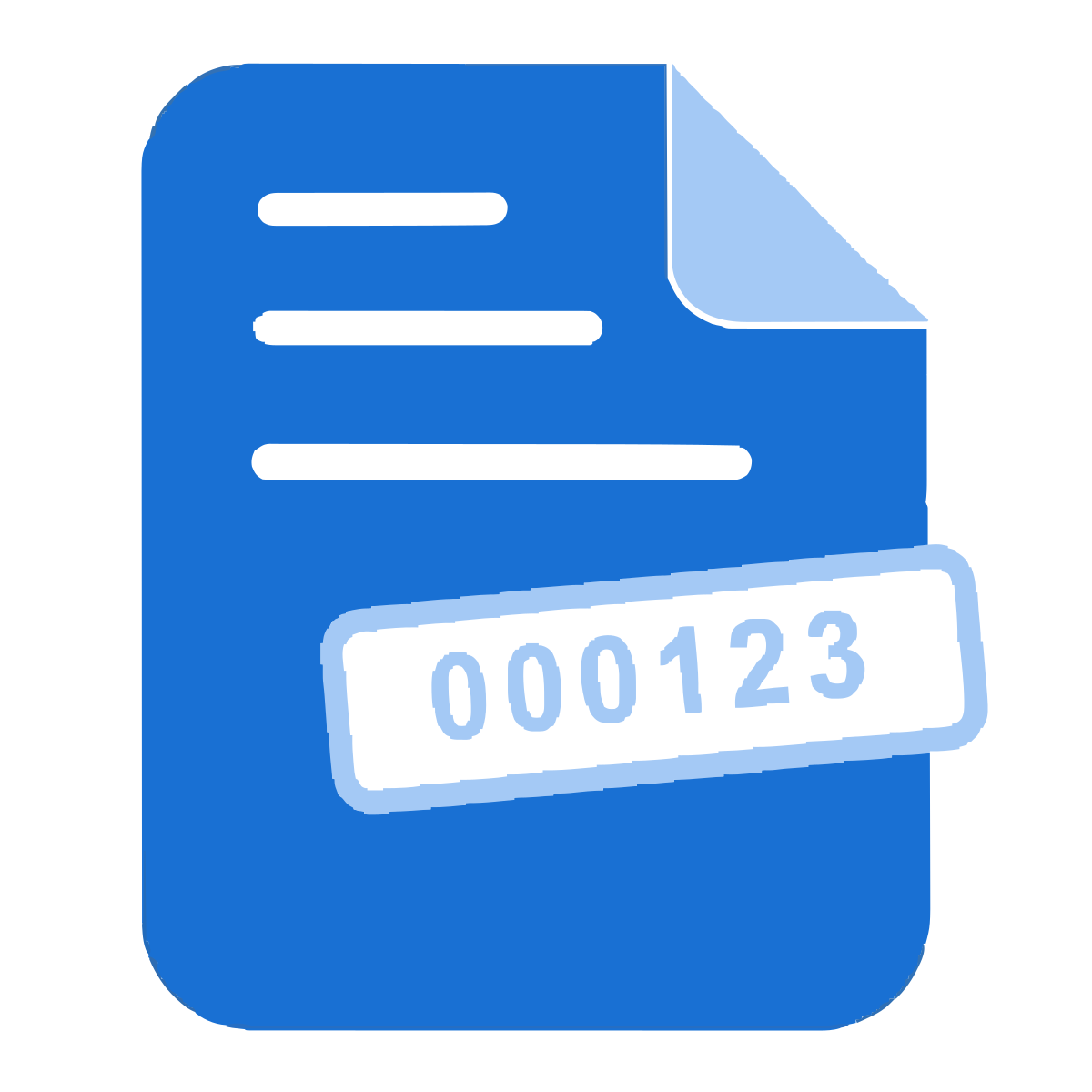
Add a matter code, client code, or confidentiality tag around the number - like ACME-000123-CONF. Both parts are optional and fully free-form.
Live position preview
Every page thumbnail shows the exact label it will receive, in the position, and color you chose - no guessing, no test runs.
Six stamp positions
Top or bottom, left, center, or right. Set the font size (9-18 pt) and pick black, gray, red, or blue to match your document set.
Start anywhere
Continue an existing production: set the starting number to pick up where your last set ended, and choose 3 to 8 digits of zero-padding.
Skip first pages
Optionally leave each document's cover page unstamped - skipped pages don't consume a number, so the sequence stays clean.
100% in your browser
Files never leave your device - stamping happens locally, which matters when you're numbering confidential legal or medical documents.
Batch processing
With a free account, number up to 3 PDFs at once (80 MB each, 120 MB total), delivered as a ZIP. Single files need no signup, up to 80 MB.
Free, no watermark
No watermark on the output, no signup needed for single jobs, no per-day cap.

Frequently asked questions

What is Bates numbering?
Bates numbering (also called Bates stamping) marks every page of a document set with a unique, sequential, fixed-width identifier - for example ACME-000001, ACME-000002. It originated with the Bates automatic numbering machine and is the standard way to reference pages in legal discovery, court filings, medical records, and audits.
How is this different from your Page Numbers tool?
Page Numbers adds ordinary page numbers (1, 2, 3) to a single document, with rich typography options. Bates Numbering stamps zero-padded sequential IDs with prefix and suffix, and - crucially - continues the sequence across multiple files, which is what a legal production set needs.
Can the numbering continue across multiple PDFs?
Yes - that's the core feature. Add up to 3 files (free account) and the sequence runs through them in the order listed: if file 1 has 45 stamped pages, file 2 starts at 000046. Untick "Continue numbering across files" to restart each file at the starting number instead.
Can I customise the format?
Yes. Set any prefix and suffix (e.g. ACME- and -CONF), the starting number, and the zero-padding width from 3 to 8 digits. You also choose position (six placements), font size, and color.
Can I start from a number other than 1?
Yes. Set "Start at" to any number - useful when you're continuing an existing production set and need to pick up where the previous batch ended.
Can I leave the first page unstamped?
Yes. Enable "Skip the first page of each document" - cover pages stay clean and don't consume a number, so the visible sequence stays continuous.
Will the stamp overwrite my document's content?
The number is drawn in the page margin (28 pt from the edge) at the position you choose. The thumbnails preview the exact placement, so you can move it or shrink the font if a page has content near that corner.
Are my files kept private?
Yes. The entire job runs inside your browser using a local PDF engine - your files are never uploaded, which is exactly what you want for confidential legal or medical documents.
Can I number multiple PDFs at once?
Yes. Batch processing is available with a free account - up to 3 PDFs at once, 80 MB each, 120 MB total, numbered continuously and delivered as a ZIP. Single files work without signing in (up to 80 MB).
Does it work on mobile?
Yes. The tool runs in any modern browser on phone, tablet, or desktop. There is no app to install.

Use our other tools

EditlyEditlyMerge PDFMerge PDFSplit PDFSplit PDFCompress PDFCompress PDFSign PDFSign PDFScan PDFScan PDFTranslate PDFTranslate PDFPassport PhotoPassport PhotoQR Code GeneratorQR Code GeneratorWeb Page to PDFWeb Page to PDFPDF to WordPDF to WordWord to PDFWord to PDFPDF to JPGPDF to JPGJPG to PDFJPG to PDFPDF to PPTPDF to PPTPPT to PDFPPT to PDFPDF to ExcelPDF to ExcelExcel to PDFExcel to PDFHTML to PDFHTML to PDFProtect PDFProtect PDFUnlock PDFUnlock PDFCrop PDFCrop PDFDelete PagesDelete PagesOrganize PDFOrganize PDFRedact PDFRedact PDFRotate PDFRotate PDFWatermark PDFWatermark PDFOCR PDFOCR PDFPage NumbersPage NumbersDestroy PDFDestroy PDFCompare PDFCompare PDFCompress ImageCompress ImageConvert to JPGConvert to JPGRemove BackgroundRemove BackgroundWatermark ImageWatermark ImageChat with PDFChat with PDFAI CV OptimizerAI CV Optimizer